'%3e%3cg%20id='icon'%20transform='translate(24.347%2024.858)'%3e%3cpath%20d='M72.341,0H0A72.873,72.873,0,0,0,1.47,14.579,71.979,71.979,0,0,0,5.685,28.159a72.347,72.347,0,0,0,6.67,12.288,72.86,72.86,0,0,0,8.834,10.706,72.864,72.864,0,0,0,10.706,8.834,72.349,72.349,0,0,0,12.288,6.67,71.976,71.976,0,0,0,13.579,4.215,72.877,72.877,0,0,0,14.579,1.47V0Z'%20transform='translate(-0.434%20-0.434)'%20fill='%230d0c22'/%3e%3cpath%20d='M72.341,0H0A72.873,72.873,0,0,0,1.47,14.579,71.979,71.979,0,0,0,5.685,28.159a72.347,72.347,0,0,0,6.67,12.288,72.86,72.86,0,0,0,8.834,10.706,72.864,72.864,0,0,0,10.706,8.834,72.349,72.349,0,0,0,12.288,6.67,71.976,71.976,0,0,0,13.579,4.215,72.877,72.877,0,0,0,14.579,1.47V0Z'%20transform='translate(-0.434%2071.907)'%20fill='%230d0c22'/%3e%3cpath%20d='M72.341,72.341H0A72.873,72.873,0,0,1,1.47,57.762,71.946,71.946,0,0,1,12.355,31.895,72.552,72.552,0,0,1,44.183,5.685,71.976,71.976,0,0,1,57.762,1.47,72.876,72.876,0,0,1,72.341,0V72.341Z'%20transform='translate(71.908%2071.907)'%20fill='%230d0c22'/%3e%3c/g%3e%3c/g%3e%3c/svg%3e)
'%3e%3cg%20id='icon'%20transform='translate(24.347%2024.858)'%3e%3cpath%20d='M72.341,0H0A72.873,72.873,0,0,0,1.47,14.579,71.979,71.979,0,0,0,5.685,28.159a72.347,72.347,0,0,0,6.67,12.288,72.86,72.86,0,0,0,8.834,10.706,72.864,72.864,0,0,0,10.706,8.834,72.349,72.349,0,0,0,12.288,6.67,71.976,71.976,0,0,0,13.579,4.215,72.877,72.877,0,0,0,14.579,1.47V0Z'%20transform='translate(-0.434%20-0.434)'%20fill='%23fff'/%3e%3cpath%20d='M72.341,0H0A72.873,72.873,0,0,0,1.47,14.579,71.979,71.979,0,0,0,5.685,28.159a72.347,72.347,0,0,0,6.67,12.288,72.86,72.86,0,0,0,8.834,10.706,72.864,72.864,0,0,0,10.706,8.834,72.349,72.349,0,0,0,12.288,6.67,71.976,71.976,0,0,0,13.579,4.215,72.877,72.877,0,0,0,14.579,1.47V0Z'%20transform='translate(-0.434%2071.907)'%20fill='%23fff'/%3e%3cpath%20d='M72.341,72.341H0A72.873,72.873,0,0,1,1.47,57.762,71.946,71.946,0,0,1,12.355,31.895,72.552,72.552,0,0,1,44.183,5.685,71.976,71.976,0,0,1,57.762,1.47,72.876,72.876,0,0,1,72.341,0V72.341Z'%20transform='translate(71.908%2071.907)'%20fill='%23fff'/%3e%3c/g%3e%3c/g%3e%3c/svg%3e)


Lawnect Platform
Document analysis, Word editing, AI automation, SSO, audit logs, and centralized management are configured around organizational security and access policies.
FirmAssistant is a tailored AI transformation service built on Lawnect Platform. It turns organizational expertise and procedures into AI workflows, connects internal data and systems, and delivers agents and business apps for the organization. A dedicated team supports implementation, adoption, training, operation, and maintenance.
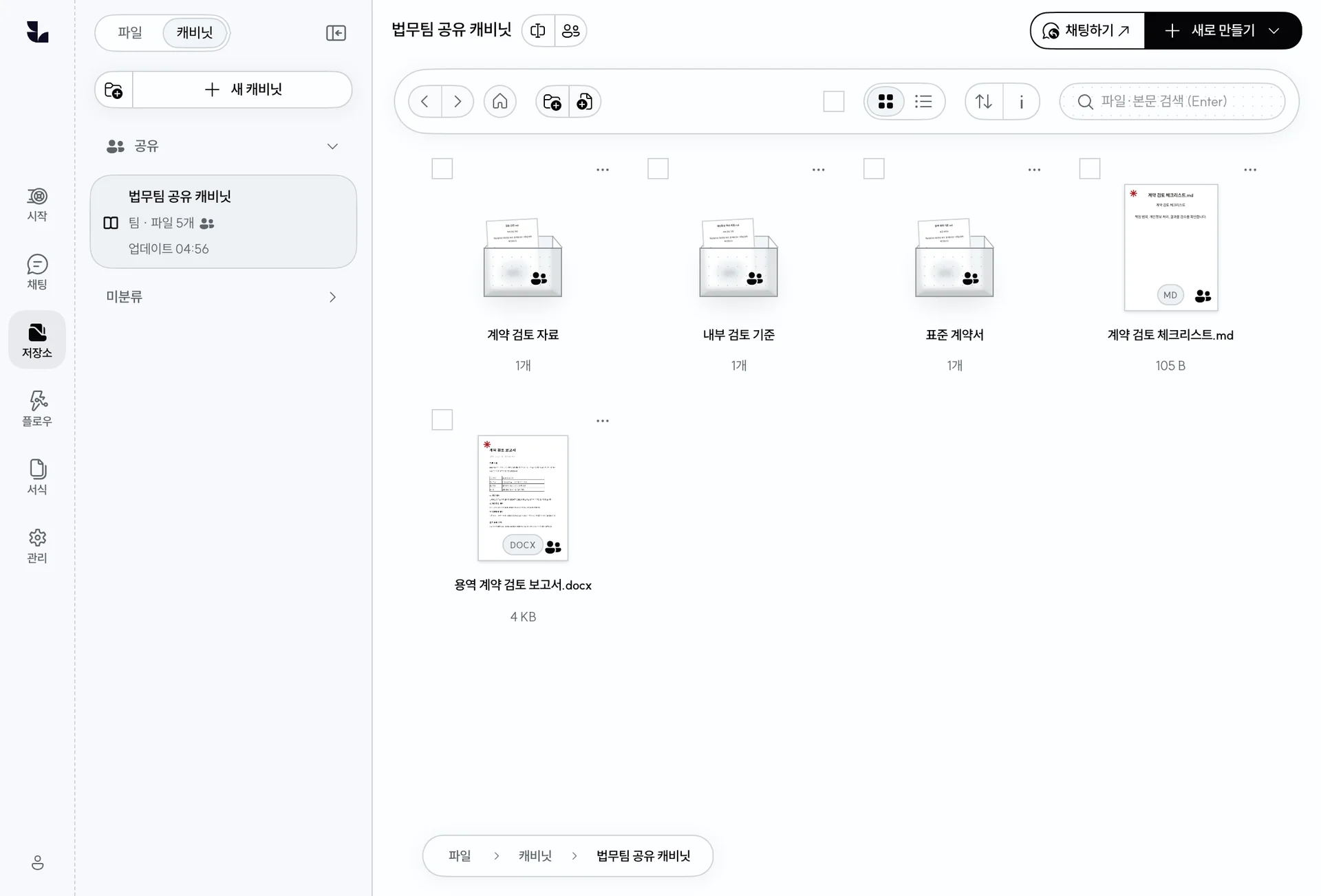
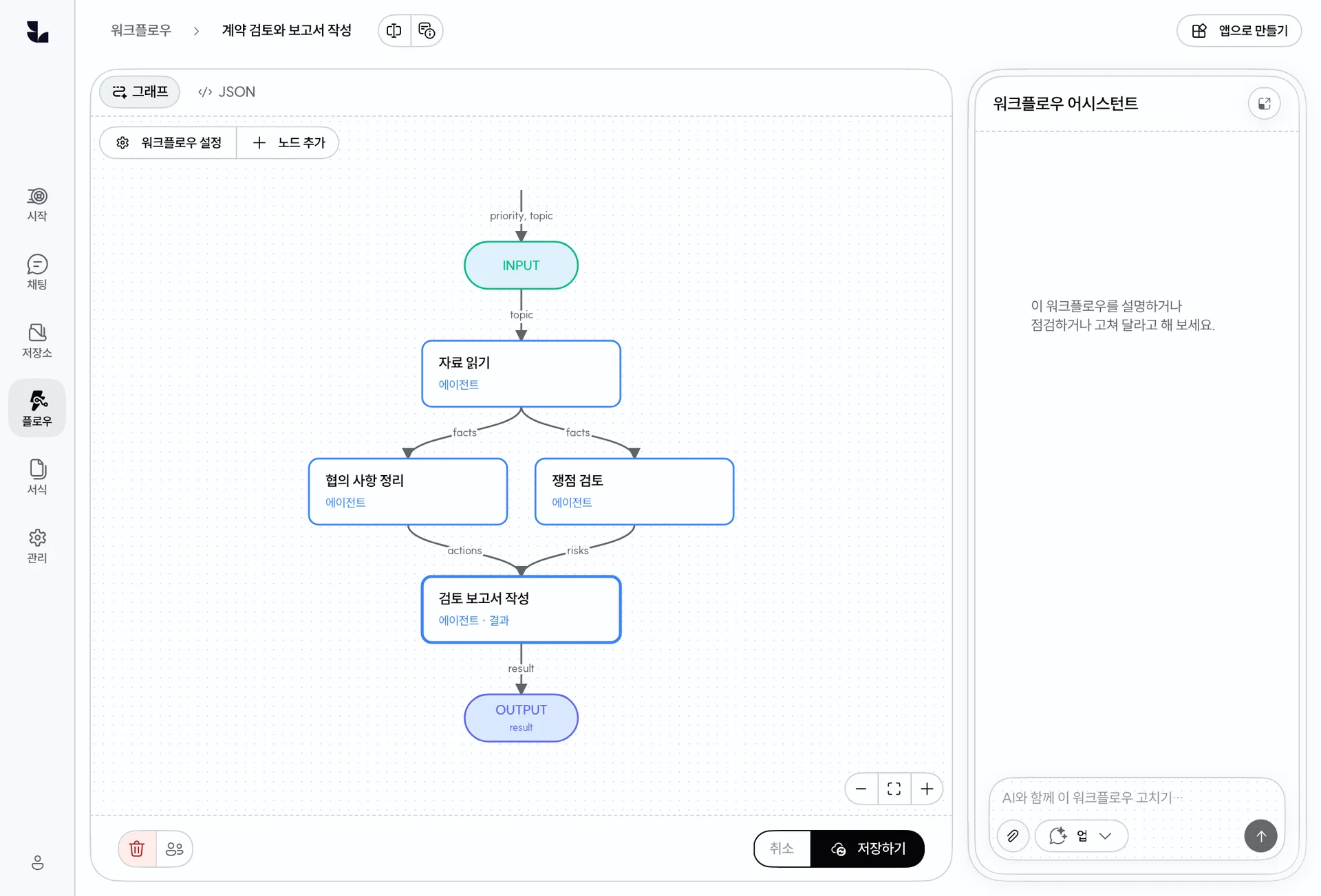
Organizational documents, procedures, and review criteria inform cabinets, skills, and templates. Recurring processes become workflows and business apps, with operation and improvement guided by actual use.
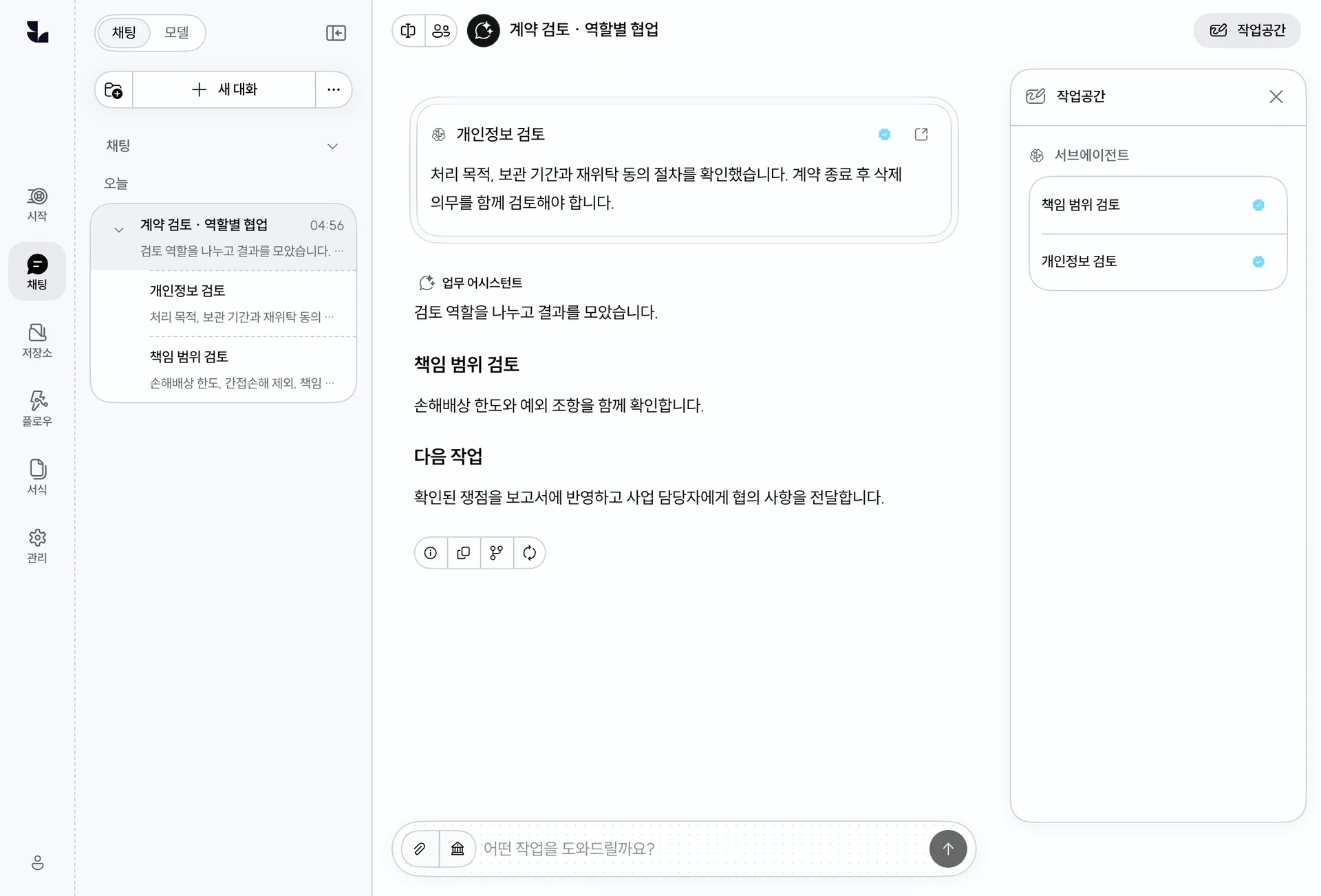
FirmAssistant goes beyond general chat. We configure tools and prompts around recurring legal work and organizational templates.
You do not need a finished specification. We review current work and systems, then define the scope around impact and priority.
Deploy to a dedicated cloud, hybrid, or on-premises environment according to security policy. Storage and processing architecture is finalized after technical review.
The same team stays from workflow diagnosis through ongoing maintenance.
A basic deployment can target approximately one week when hardware and prerequisites are ready. The full schedule varies with security review, system integration, and custom development.
Delivered by a team experienced with organization-wide security, permissions, and operations.
Operating a firm-wide AI system at a leading law firm
Design and development around enterprise systems, security, and permissions
Working together on legal data processing and enterprise AI projects since 2024